
Vehicle and GPS tracking
Connect vehicle and device location to a clear operating view of fleet assets, working areas and ownership responsibilities.
Make field operations easier to see and manage.
Connect fleet location, alerts and operating records in a useful view for transport, distribution and industrial fleet teams.
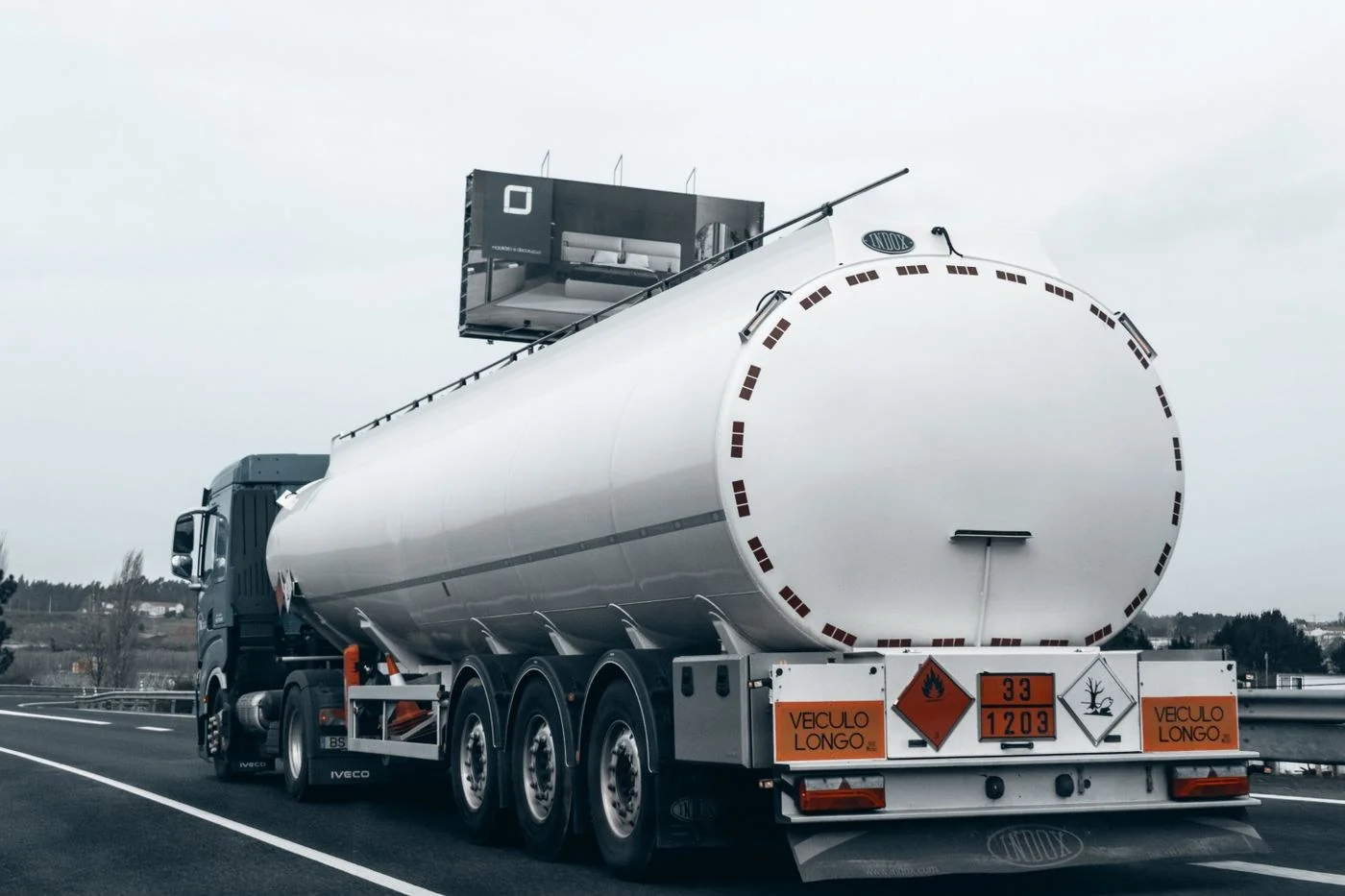
Connect vehicle and device location to a clear operating view of fleet assets, working areas and ownership responsibilities.
Bring fleet information into a current dashboard with suitable user roles, connectivity and realistic expectations for data availability.
Define routes, geofences and operating zones, with clear exceptions and responsibility for reviewing and acting on location alerts.
Use available telematics signals to review driving patterns, shaping reports around the monitoring scope agreed with fleet managers.
Connect compatible fuel measurements and exceptions to fleet reports, with installation suitability and review procedures established during assessment.
Organise maintenance reminders and records around vehicle use, servicing schedules and condition information, with clear operational ownership.
Design reports around utilisation, movement, maintenance and exceptions, focusing dashboards on the decisions fleet managers need to make.
Select tracking for mobile assets according to device type, connectivity, installation requirements and the conditions in which they operate.
Connect field activity visibility to defined workforce processes, information needs and access roles, giving supervisors an appropriate operating view.
Assess video telematics against equipment, connectivity, storage and privacy requirements before including it in the fleet solution.
Define useful exceptions, notification routes and escalation responsibilities so fleet information leads to timely review and operational action.
Review vehicle and asset types, coverage, reporting needs and operating routines.
Agree devices, data, geofences, alerts, dashboards and access requirements.
Coordinate installation, configuration, data checks and user acceptance.
Agree reporting, exception handling, maintenance routines and adoption support.
Device, tracking and platform choices are assessed against vehicle types, coverage, data requirements and integration needs. The final technology scope is agreed with Emocom.
Tell us about the vehicles or assets, visibility gaps, and operating priorities. We’ll discuss the right scope and fit.